
EDURos
The daily timetable: filled automatically by the AI scheduler, fine-tuned with drag and drop.
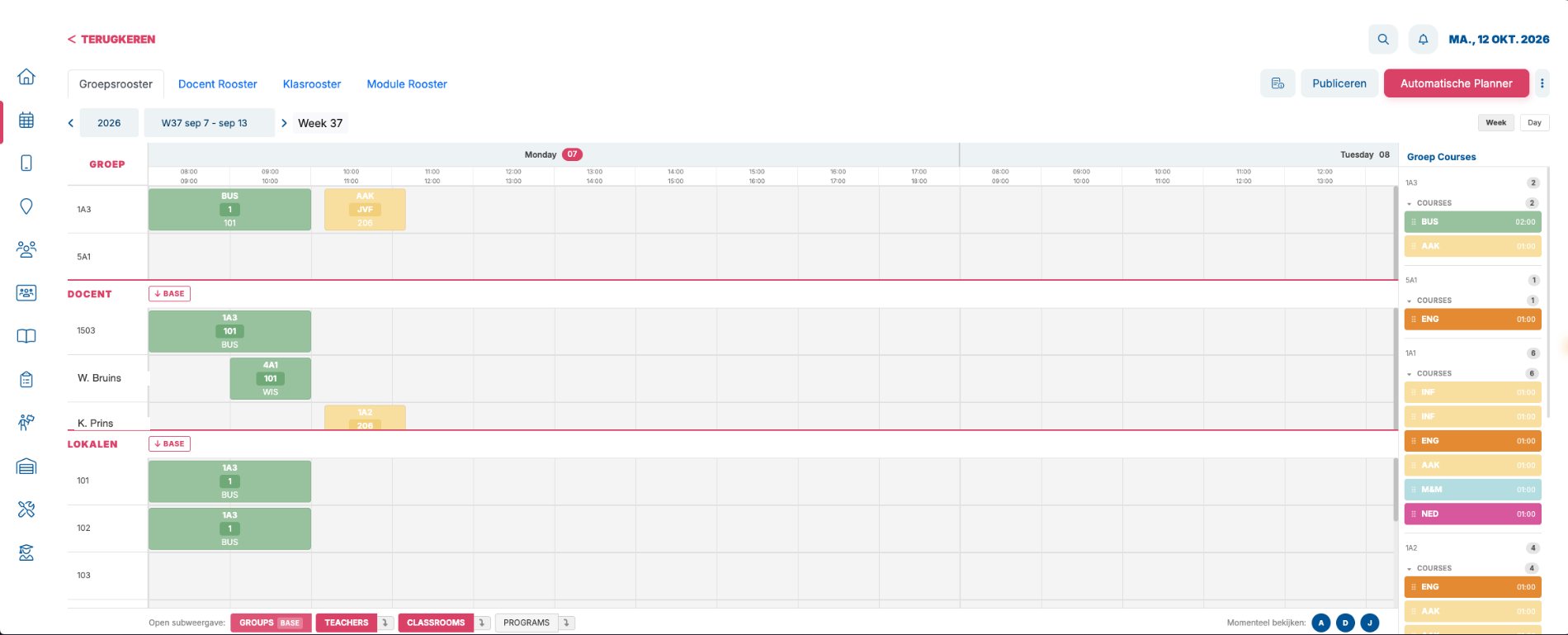
Every timetable in one screen
Groups, teachers and rooms stacked, in the same week. What you change in one timetable shows up in the others straight away.
On the right are the lessons still to schedule. At the bottom you see who is viewing at that moment.
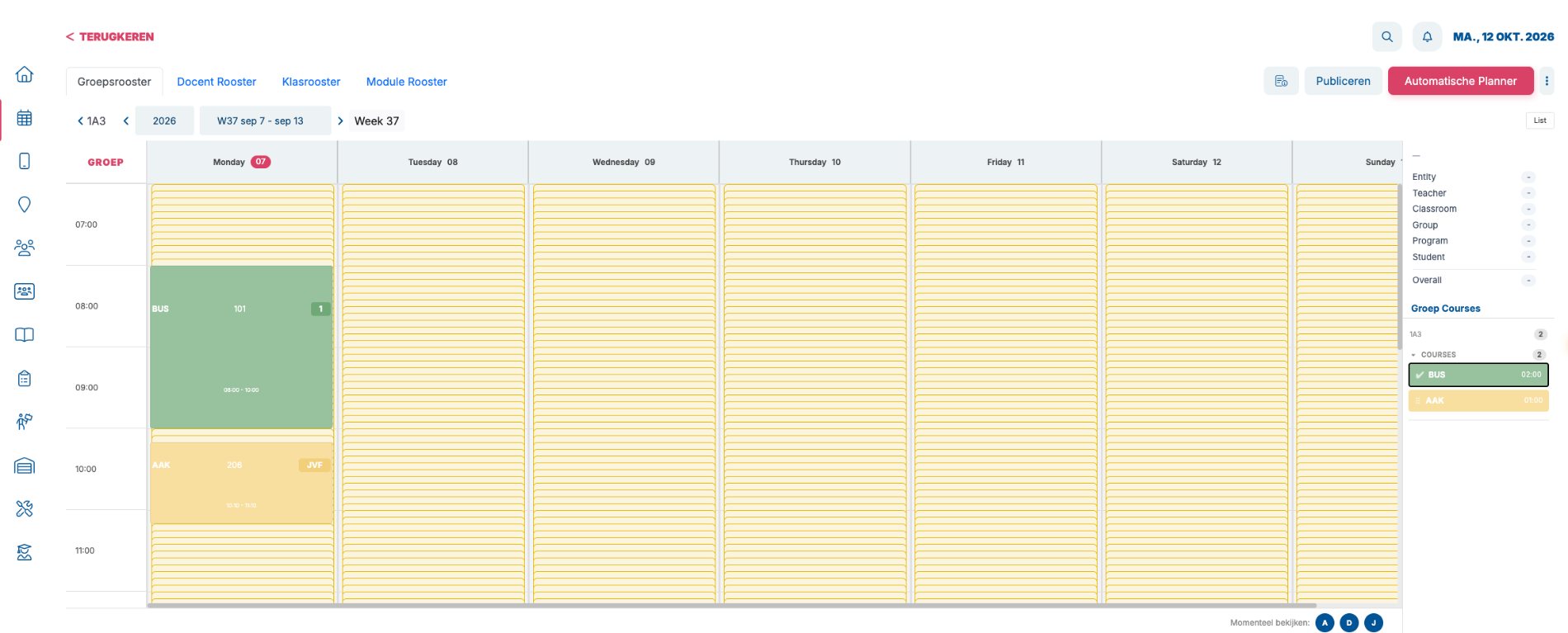
Drag with availability
Pick up a lesson and EDUos Web shows straight away where it fits.
For every time slot you see whether the entity, teacher, room, group, module and students are available.
AI scheduler
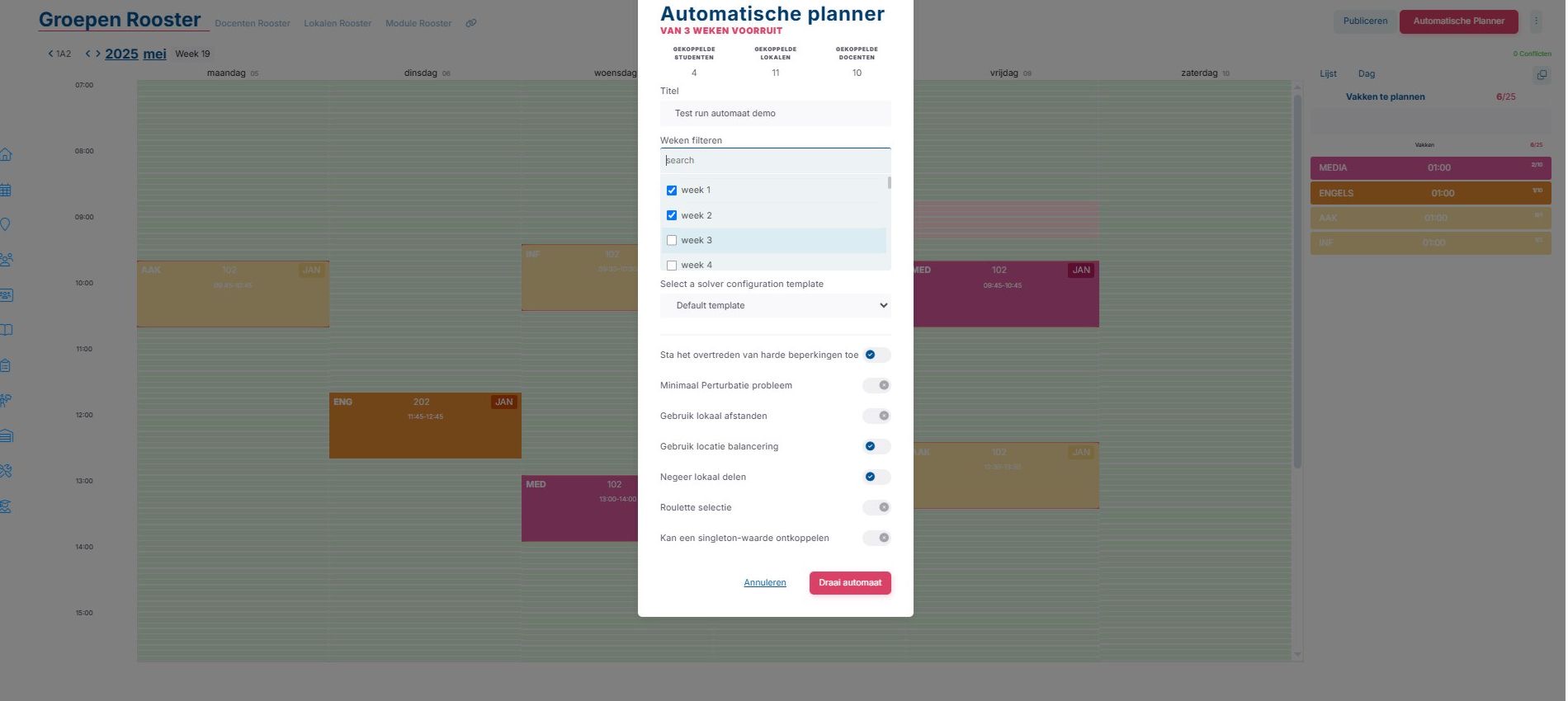
The scheduler fills the timetable and analyses preferences and conflicts.
You see straight away where things clash, and why. Whatever doesn’t fit comes back with the reason.
Room planning
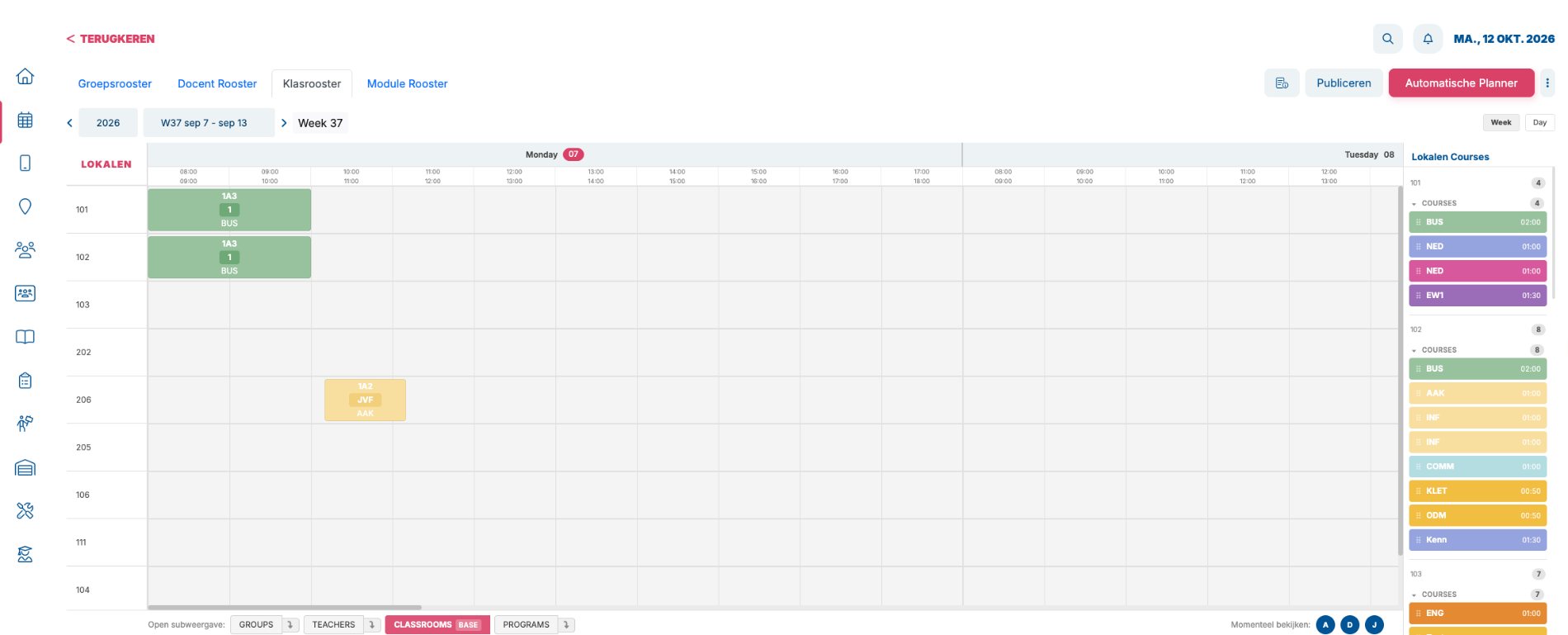
The room timetable shows per room what is scheduled when, and you plan with drag and drop.
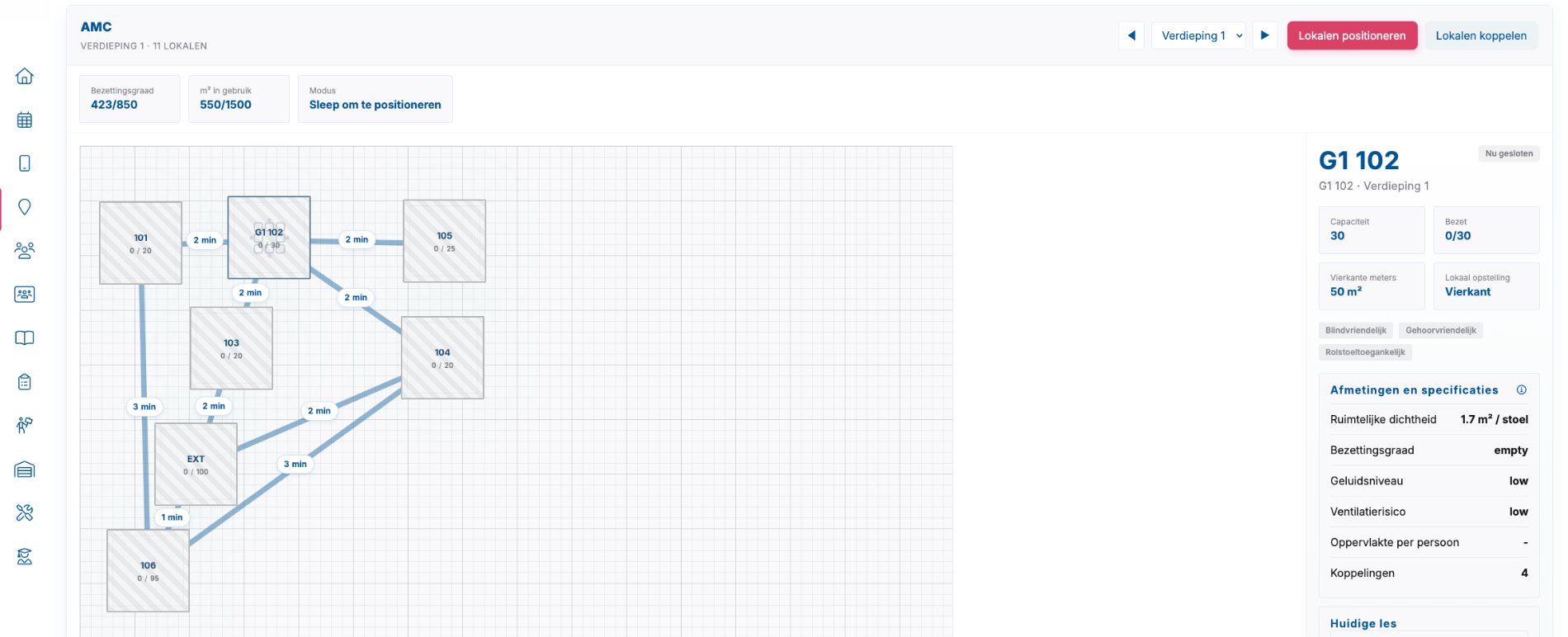
Floor plan with walking times
Place your rooms on the floor plan per storey, with the walking time between rooms.
Per room you see capacity, square metres, layout and accessibility, plus an estimate of noise level and ventilation.
With EDURos
- Several timetablers work in the same timetable at once
- Changes are visible to everyone immediately
- Students enrol for electives
- The timetable shows up in the app right away
Curious what your timetable looks like in EDUos Web?
In a demo we show you how EDUos Web works with your school’s timetables, rooms and teachers.